Leaderboard
-

oczuk32
Members3Points71Posts -
idosubaru
Members1Points26995Posts -
el_freddo
Members1Points4485Posts -
GeneralDisorder
Members1Points23391Posts




Popular Content
Showing content with the highest reputation on 08/05/19 in all areas
-
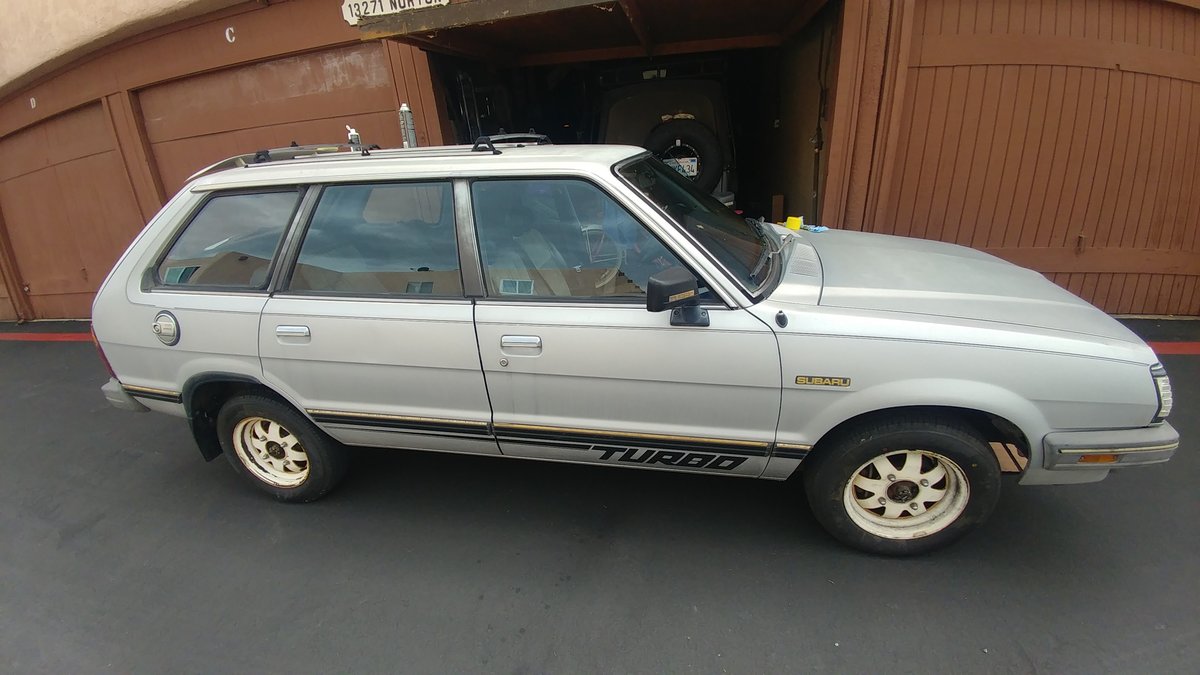
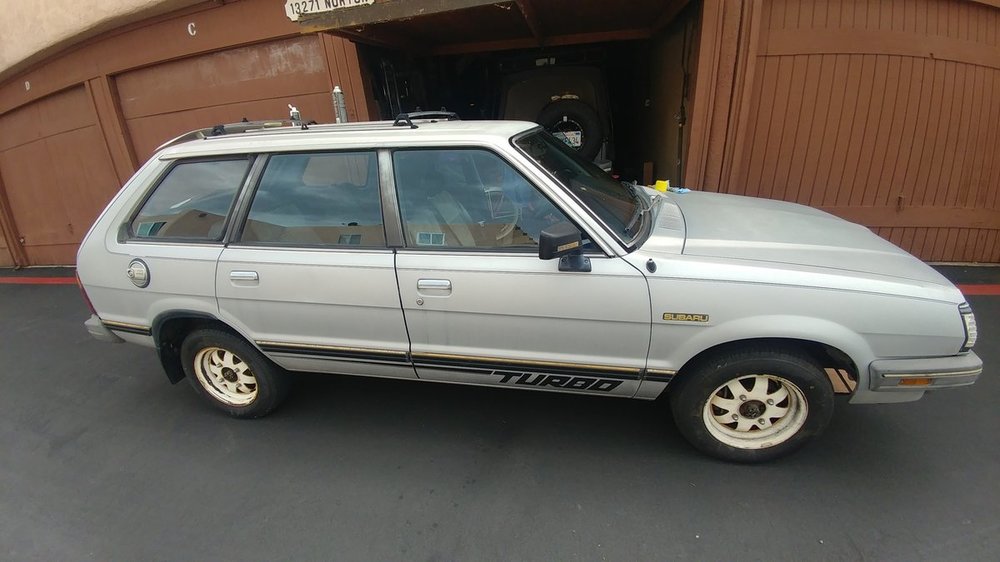
3 pointsHere from Chino California introducing my new 1984 GL Turbo Wagon. I believe im the second owner after all the hassles I've been thru with DMV. I found the car on craigslist after just browsing thru the ad's, It was a barn find. The guy I got it from had it parked over ten years. What got me interested was the low mileage. I has 95236 original miles on the odemeter. The car is pretty much complete. Just a dent on the driver side door. What sold me was that it came with the complete factory service manual. And the car manual with the maintenance book with all the services done at its proper mileage.
 3 points
 -
I'd diagnose the no-start and timing belt first though before putting money into a radiator you won't need. if the valves are bent you can buy used heads for $100-$200 and swap them out and be back on the road relatively inexpensively as well. resurface the heads, new subaru headgaskets, new Subaru timing belt and lower cogged pulley and you're good for another 100k for $200 in new maintenance parts.1 point
-
1 pointYes. Your EJ will bolt to any EJ series gearbox, including the 8 bolt boxes (phase 2 - just use the four bolts that your engine has). Cheers Bennie1 point
-
www.rockauto.com $8.56 each - look under 1984 GL. It's listed as a rear engine mount for a manual trans. They have Beck/Arnley ones too for like $31 each. GD1 point