Leaderboard
-
GeneralDisorder
Members1Points23391Posts -
lmdew
Members1Points4690Posts -

heartless
Members1Points4647Posts -
nipper
Members1Points18629Posts




Popular Content
Showing content with the highest reputation on 03/11/21 in all areas
-
1 point2019 subaru outback limited 20,000 miles green followed me home. I'll post pice later. My God the owners manual is thicker then my college thermodynamics and emissions engineering text book1 point
-
The cam sensor comes off - there's an additional support bracket with two bolts oriented at 90 degrees facing the battery right behind the sensor (to the left of the sensor when looking from the engine bay). remove those two bolts and the support bracket comes off allowing the sensor to come out. If it random dies then it shouldn't be the idle control valve. Ah right - 99 year, got it.1 point
-
Hopefully they did it right; $250 or so for the job, also a belt they ordered when I had it inside the car. Quick turn around, now I can work.1 point
-
DO NOT use loctite on the crank bolt. They are installed dry. Torque to 150 Ft/lbs. GD1 point
-
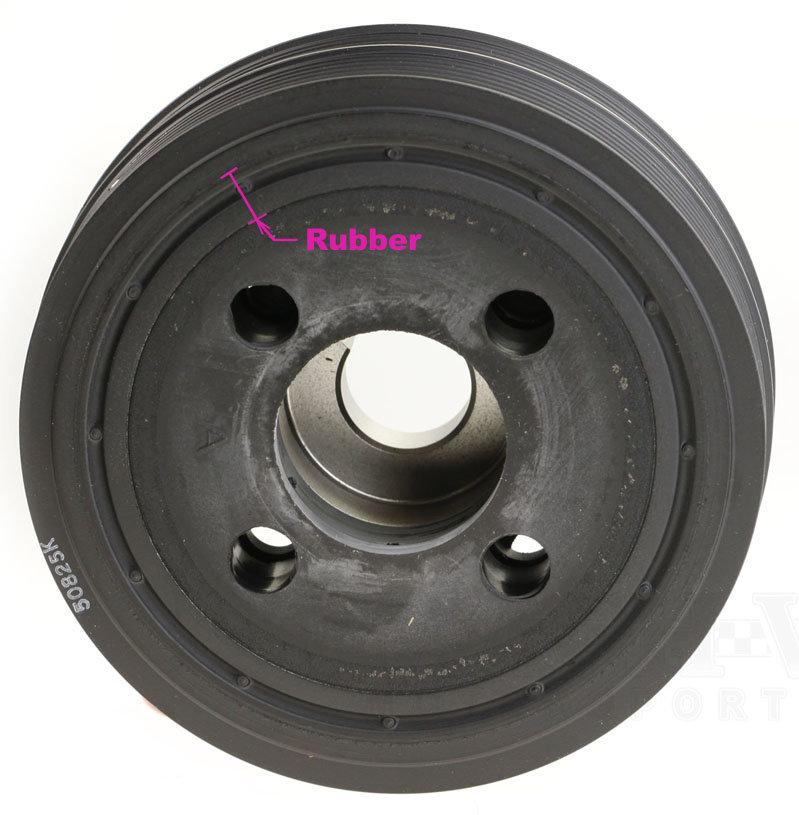
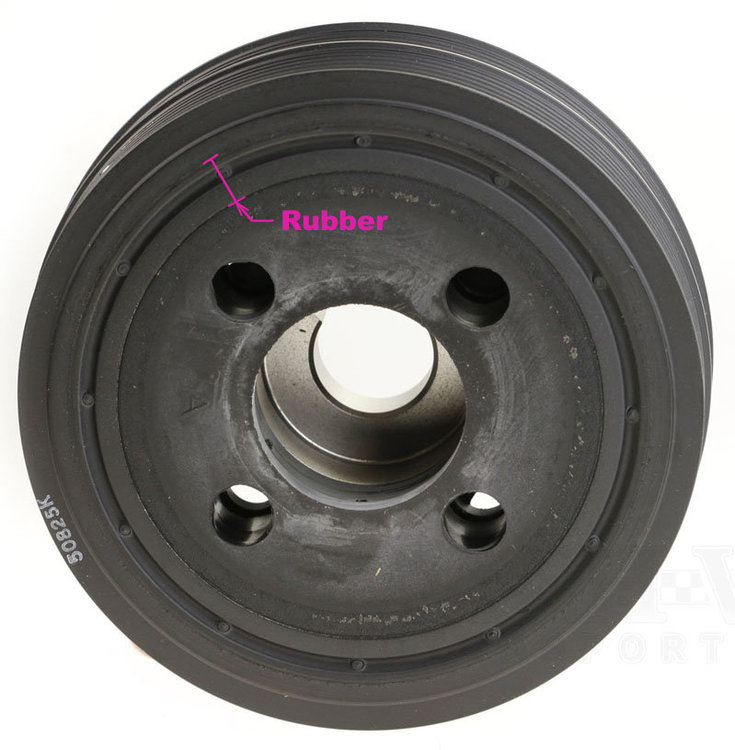
there is a rubber section in between the main pulley (part that was left on your car) and the outer part that carries the belts. the rubber gets old & brittle over time and fails.. in your case it failed completely, the outer portion came away and the accessory belt polished up the remaining part. It does happen.
 1 point
 -
I can send you a good used one for $25. You can do it yourself. If you are going that far, when was the Timing Belt done last? Cam and Crank Seals leaking? You might want to do it all at once.1 point