EA82 Electric Boogaloo
Members
-
Joined
-
Last visited
Everything posted by EA82 Electric Boogaloo
-
EA82 Electric Boogaloo replied to EA82 Electric Boogaloo's topic in Meet n' Greet. Your USMB Welcome CenterYou nailed it. It's a Breakin' 2 reference. I couldn't figure out a name and it was late and i liked the rhyme scheme.
-
EA82 Electric Boogaloo replied to Loyale 2.7 Turbo's topic in Meet n' Greet. Your USMB Welcome CenterHardstylin' with the Battle Wagon-to-be
-
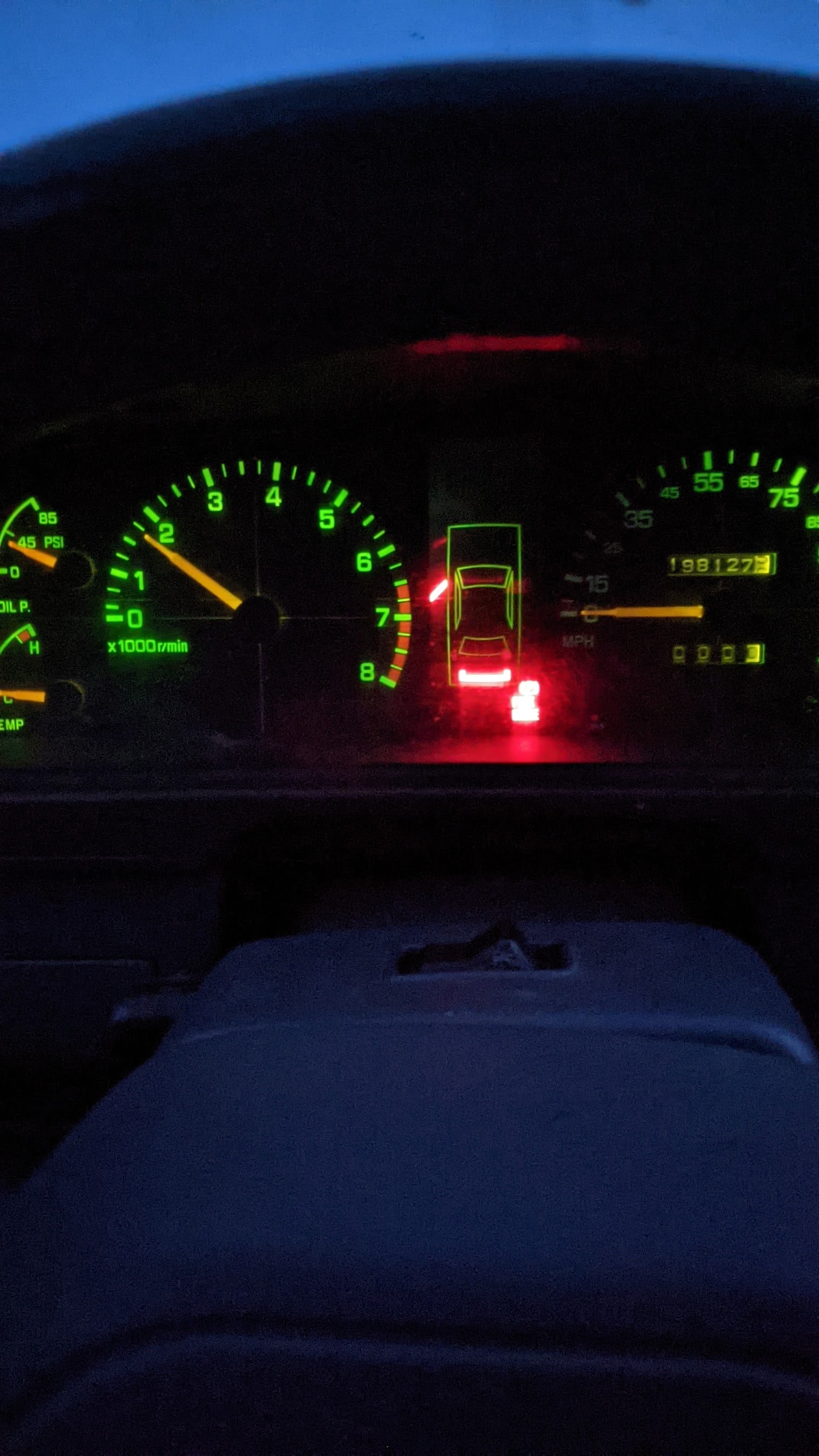
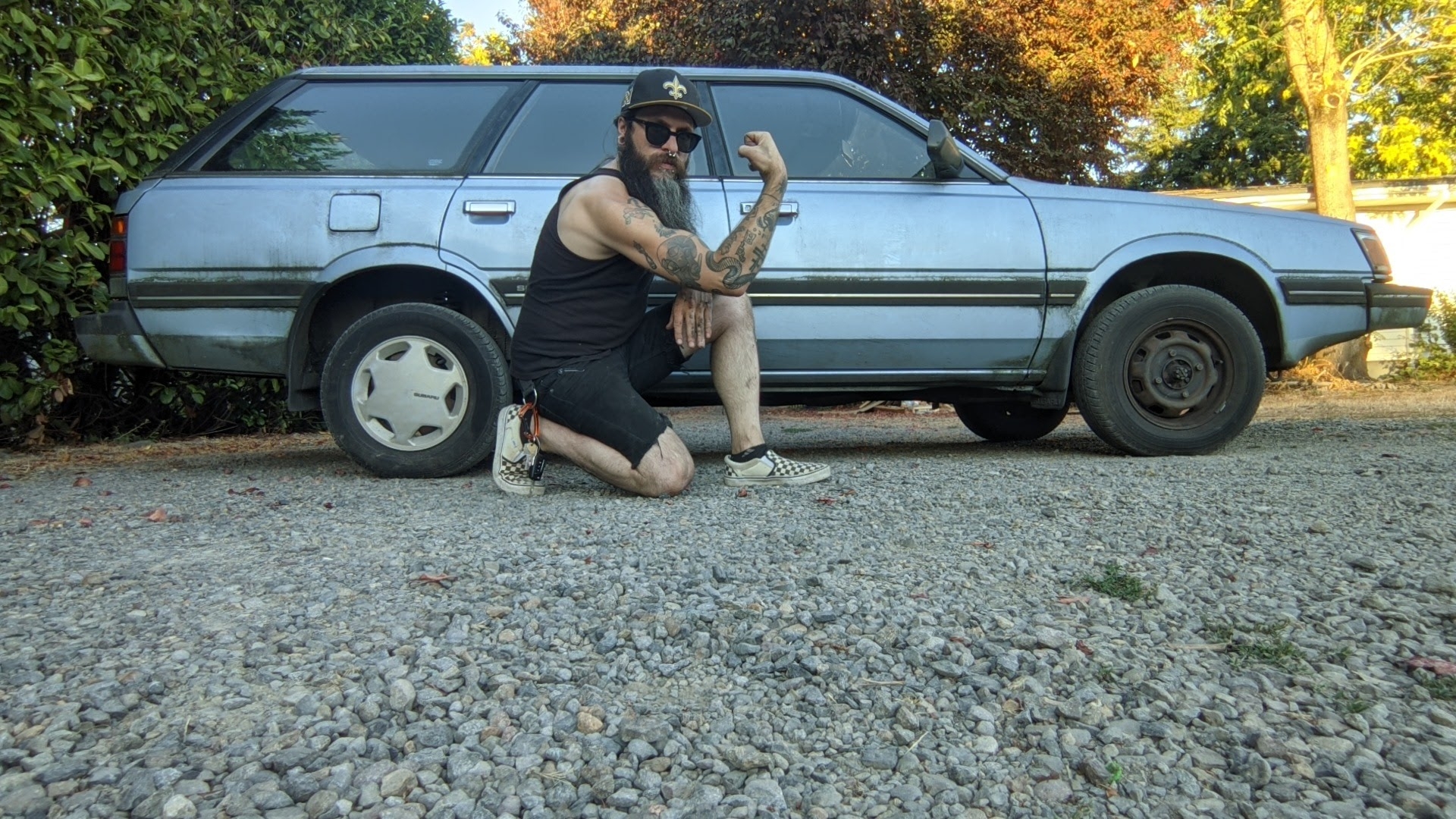
Hey all. Been lurking for a year since I bought a $500 88 GL Wagon off a friend. I've been slowly doing all the normal suggested maintenance and fixer up stuff for a new-to-you EA82, picked up some 14" alloy Pug 505 rims, planning on the SJR 2" lift when I replace the rear struts. Started this as just getting a cheap daily driver into dependable condition, but somehow ended up planning a battle wagon? Who needs money anyway?